Русский
Каждый день мы раздаем лицензионные программы БЕСПЛАТНО!
FileFusion 2023 был доступен бесплатно 5 апреля 2024 г.
Бесплатно сегодня
ThunderSoft GIF Editor — удобный инструмент для редактирования файлов GIF.
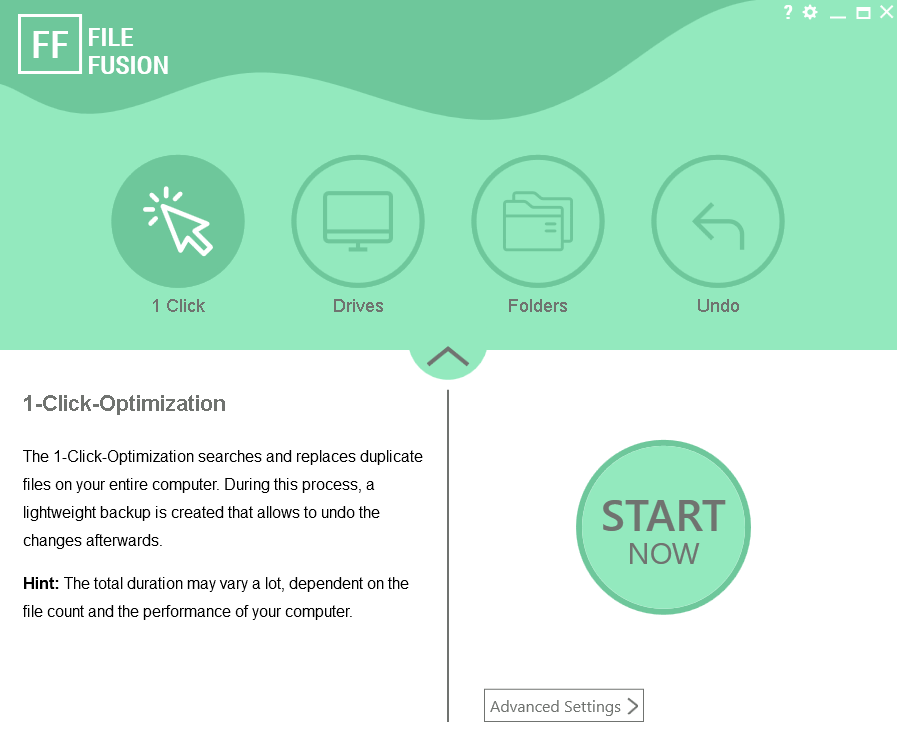
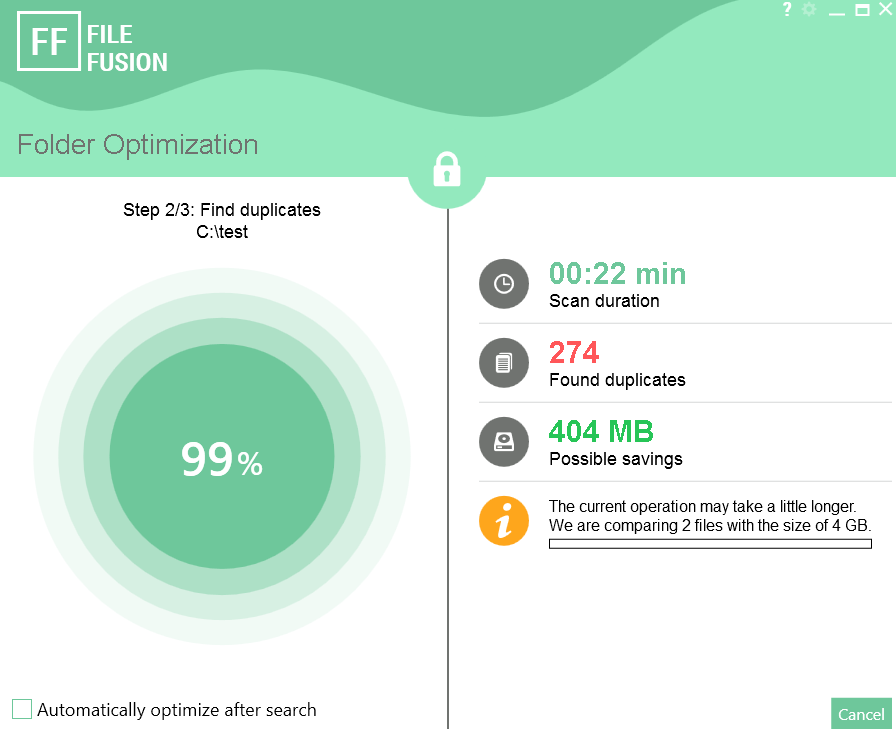
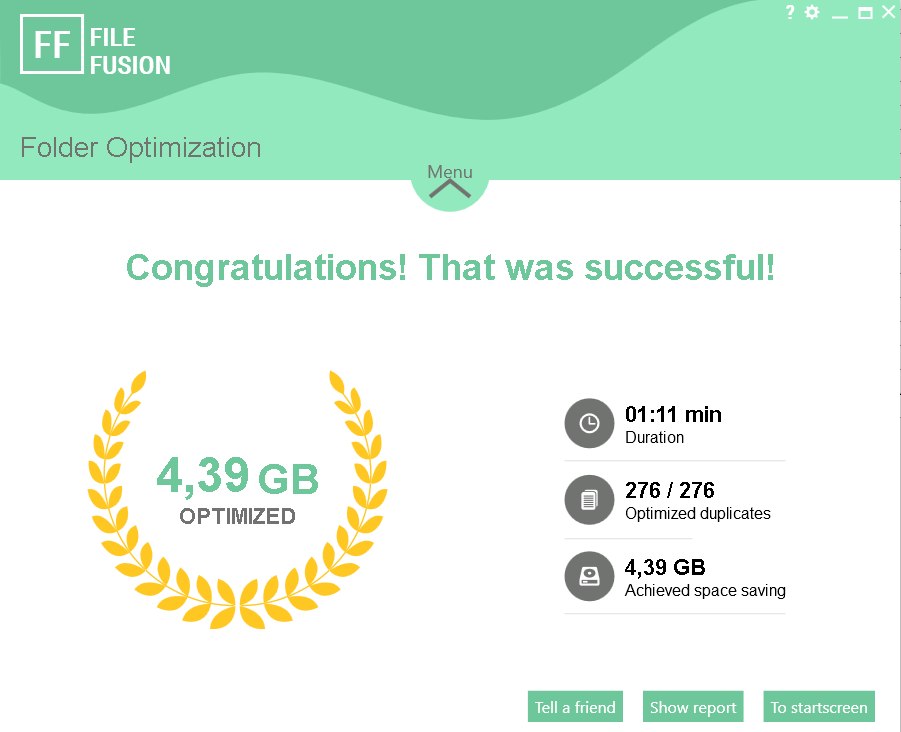
Даже самый большой жесткий диск время от времени заполняется. Что поможет в этом случае? Уборка! FileFusion освобождает до 31% дискового пространства за счет запуска трехэтапного процесса поиска дубликатов. Инструмент удаляет дубликаты с жесткого диска, не отображая их в файловом менеджере Windows.
- Найдите дубликаты файлов.
- До 71% больше файлового пространства.
- Инновационные технологии.
Системные требования:
Windows 7/ 8/ 8.1/ 10/ 11
Разработчик:
AbelssoftОфициальный сайт:
https://www.abelssoft.de/en/windows/system-utilities/filefusionРазмер файла:
27.2 MB
Licence details:
пожизненная
Цена:
$29.95
GIVEAWAY download basket

Developed by Microsoft

Developed by Softland

Developed by pdfforge GmbH

Developed by Tracker Software Products
iPhone предложения дня »

Continue the adventure of the The Lost Ship in this longer quest as you hunt for the pirate’s lost treasure.
$3.99 ➞ сегодня бесплатно

To protect your spine, start by reducing the repetitions you bow your head.
$0.99 ➞ сегодня бесплатно

$1.99 ➞ сегодня бесплатно

$6.99 ➞ сегодня бесплатно

$0.99 ➞ сегодня бесплатно
Android предложения дня »

$4.49 ➞ сегодня бесплатно

$0.99 ➞ сегодня бесплатно

$0.99 ➞ сегодня бесплатно

$3.99 ➞ сегодня бесплатно

Speed math 2018 is a quick math master game that can make you freaking mad.
$0.99 ➞ сегодня бесплатно
Комментарии
Понравилась программа? Оставьте комментарий!
Automatic file deletion only? I need to see the duplicate files, decide on the proper location, and then selectively delete those duplicates that I don't want. This program is a big fail for me.
Save | Cancel
Beware this works by hashing the files and searching for bit for bit duplicates and if found, it arbitrarily decides on one to keep or optionally give you the choice and makes all other references hardlinks to the chosen data on the NTFS drive. For most cases that will be fine except for when you use duplicates for 1st level backup, you will have no 1st level backup any more as all references will point to the same file allocation on the drive. It also means it will NOT work on FAT32, ExFAT or cloud storage like onedrive etc. Only NTFS drives. Windows itself uses this same technique in the winsxs repository... they are hardlinks to the various file versions and only the latest is the hardlink that appears in system32 or drivers folder. It has its use but can be misused if used inappropriately.
Save | Cancel
"3-step deduplication process. The tool removes duplicates from the hard disk without this being visible in the Windows file manager."
Can someone explain what the "3-step" process is?
"without being visible" bothers me...how does it know which duplicate to delete?
MAJ
Save | Cancel
Quick question- Does this program show a files list of duplicates? Where you can choose which one(s) to keep and which to delete? The screen pics don't show something like that...
Save | Cancel
Maybe I'm misreading something, but this seems to find duplicate files and delete automatically? Surely not?
Save | Cancel